Last Updated: 30th June 2026
Teams under 10 users with tight budgets fit Kualitee or Zephyr Scale. Jira-native teams that manage test execution inside Atlassian workflows belong on Xray or Zephyr Scale. Enterprise QA programs that require audit trails, compliance reporting, and dedicated support should evaluate TestRail, PractiTest, or Tricentis qTest.
In 2026, the test management category breaks into three tiers: AI-native platforms with built-in test case generation and automated test execution (Kualitee, Testomat.io), established enterprise tools with deep CI/CD and automation integration (TestRail, qTest, PractiTest), and Jira-embedded solutions that keep the entire testing process inside Atlassian (Zephyr Scale, Xray, AIO Tests).
This roundup evaluates 13 test management tools across five dimensions: features, pricing, built-in AI capability, deployment options, and integration depth. Every pricing figure is verified against each vendor’s live pricing page as of June 2026.
What Is a Test Management Tool?
A test management tool is a dedicated platform that centralises all testing activities. From writing and organising test cases to tracking test execution, logging defects, and reporting on testing progress. All within a single workspace. It gives QA teams, developers, and product stakeholders a shared, real-time view of software quality across the entire testing process.
Core functions of a test management platform:
- Test case management: Create, organise, version, and reuse test cases and test suites across projects
- Test execution tracking: Run test plans, log pass/fail results, and track testing progress against release milestones
- Defect tracking: Log, assign, and trace defects directly to the test cases and test runs that surfaced them
- Requirements traceability: Link software tests back to requirements so every feature ships with verified test coverage
- Reporting and dashboards: Measure test coverage, execution rates, and release readiness across manual and automated testing
How it differs from an automation framework:
Selenium, Cypress, and Playwright execute automated tests. A test management tool organizes, schedules, and reports on those tests, including manual testing running in parallel. The two work together as part of broader software testing processes. They are not interchangeable. A comprehensive test management tool also replaces the need for spreadsheet-based test tracking, which breaks down once test cases scale beyond a single project or team.
Check out more details on Test management vs Spreadsheets.
Key Benefits of Modern Test Management Tools
Modern test management tools do more than store test cases. They connect the entire testing process and give QA teams, developers, and stakeholders a shared, real-time view of software quality.
- Centralised test case repository: Manage test cases, test suites, and test plans in one place. No duplicate spreadsheets, no version conflicts, no lost test data across projects.
- Enhanced traceability: Link software tests directly to requirements and defects. Every test run maps back to a business requirement, so nothing ships without verified test coverage.
- Real-time reporting and dashboards: Track testing progress against release milestones as it happens. QA managers get execution rates; stakeholders get release confidence — without waiting for a status meeting.
- Automation integration: Test management tools integrate with CI/CD pipelines, automation tools, and frameworks like Selenium, Cypress, and Playwright. Automated test execution results feed back into the same dashboard as manual testing.
- AI-driven capabilities: The 2026 differentiator. Platforms with built-in AI can generate test cases from requirements, flag defect patterns, and prioritise test runs based on code changes. This is now a selection criterion, not a bonus feature.
- Compliance and audit tracking: Regulated industries (banking, healthcare, government) require complete audit trails. A test management platform with built-in defect management and traceability supports ISO, SOC 2, and similar compliance requirements without bolt-on tools.
- Collaboration across QA, dev, and product: Shared test plans, real-time status updates, and two-way integrations with issue trackers keep every team aligned on testing activities without context-switching.
How to Choose the Right Test Management Tool in 2026
The right test management tool depends on six factors. Work through each one before shortlisting.
- Team size: Teams of 1–10 users should prioritise free tiers and per-user pricing. Kualitee’s Growth plan is free for 3 users. Zephyr Scale and AIO Tests are free for up to 10. Teams of 10–100 need role-based access, shared test plans, and reporting. Teams of 100+ require enterprise-grade audit trails, SSO, and dedicated support SLAs.
- Integration needs: If your team runs entirely inside Atlassian, a Jira-native tool like Zephyr Scale or Xray keeps test management inside the same workflow. If your software testing processes span multiple platforms, GitHub, GitLab, Azure DevOps, Slack, a platform-agnostic tool gives more flexibility without vendor lock-in.
- AI capability: In 2026, built-in AI is a meaningful differentiator. Tools with native AI can generate test cases from requirements, prioritise test runs by risk, and flag defect patterns automatically. Decide whether you need AI built in or whether a third-party integration is sufficient.
- Deployment: Cloud-only tools are faster to set up. On-premise or hybrid deployment matters for teams in regulated industries or with strict data residency requirements.
- Budget per user per month: Test management tools range from $0 (free tiers) to $54/user/month (PractiTest) to custom enterprise contracts. Factor in the full team size, per-seat pricing compounds fast at scale.
- Regulated industry needs: Banking, healthcare, and government QA teams need complete traceability, audit logs, and compliance reporting built into the testing process. Verify these capabilities before committing.
Comparison at a Glance: 13 Best Test Management Tools (2026)
| Tool | Starting Price | Free Tier | Built-in AI | Deployment | G2 Rating | Best for |
| Kualitee | $12/user/mo | Yes (Growth, 3 users) | Yes (Hootie AI) | Cloud + on-prem | 4.6 / 222 reviews | AI-assisted test management at SaaS pricing |
| TestRail | $40/seat/mo | No (14-day trial) | Yes | Cloud + on-prem | 4.4 / 611 reviews | Enterprise QA / Atlassian teams |
| Zephyr Scale | $10/user/mo | Trial | Limited | Cloud (Jira-native) | — | Jira-deep teams on a budget |
| Xray | $10/mo for 10 users | Trial | Limited | Cloud (Jira-native) | 4.2 / 19 reviews | BDD + Jira integration |
| Qase | $24/user/mo | Free ≤3 users | Limited (higher tiers) | Cloud only | 4.7 / 307 reviews | API-first dev teams |
| PractiTest | $54/user/mo | Trial | Yes (paid tiers) | Cloud + on-prem | 4.3 / 233 reviews | Compliance-heavy QA programs |
| Tricentis qTest | Custom | Trial | Yes | Cloud + on-prem | 4.3 / 104 reviews | Enterprise ALM |
| TestCollab | $35/user/mo | No | No | Cloud + on-prem | 4.4 / 37 reviews | Collaboration-focused QA teams |
| Testomat.io | $30/user/mo | Yes (2 users) | Yes (Professional+) | Cloud + on-prem (Enterprise) | 4.8 / 94 reviews | AI-assisted test automation management |
| BrowserStack TM | Contact for pricing | Trial | Yes | Cloud | 4.4 / 3,336 reviews | Teams in the BrowserStack ecosystem |
| QMetry | Contact for pricing | 15-day trial | Yes | Cloud + on-prem | 3.9 / 38 reviews | Enterprise QA at scale |
| AIO Tests | Free ≤10 users | Yes (≤10 users) | Limited | Jira-native | — | Small Jira-using teams |
| QADeputy | $20/user/mo | Trial | No | Cloud | — | Mid-market QA teams |
The 13 Best Test Management Tools in 2026
Here are our picks for the 13 best test management platforms.
1. Kualitee

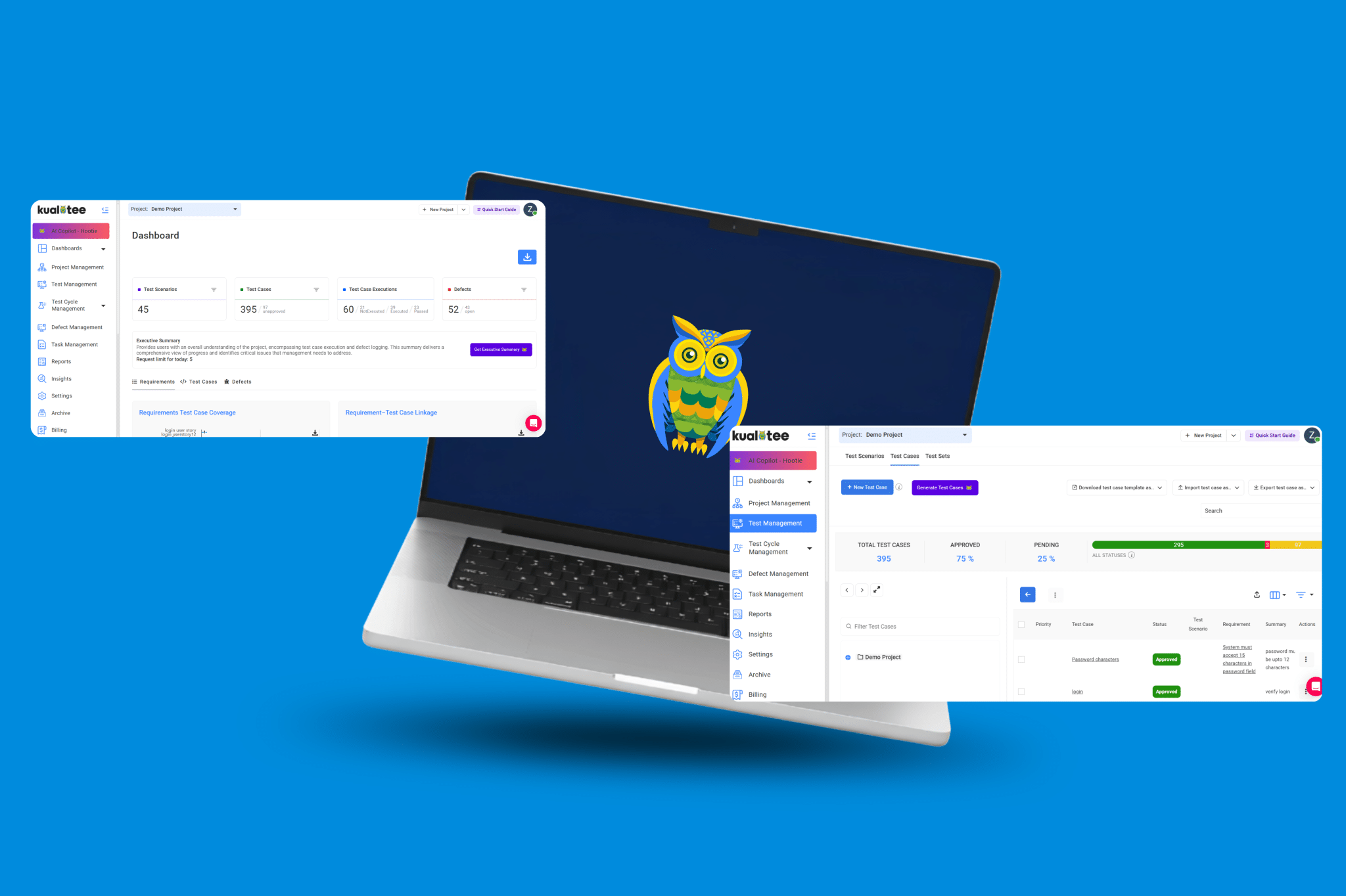
Kualitee fits agile and DevOps QA teams that need a comprehensive test management tool with built-in AI at SaaS pricing. At $12 per user per month, which is 70% less than TestRail Professional, it covers the full testing process. You get test case management, test execution, defect tracking, and automated test execution in one platform. The free Growth plan supports 3 users, 1 project, and 500 test cases permanently, with 3 AI credits per month included.
Pricing: Free (Growth, forever). $12/user/mo (Hypergrowth). On-premise from $2,92/year.
Key features:
- End-to-end test case management with test suites, test plans, and test runs
- Hootie AI – built-in AI engine for test case generation, defect prioritisation, and impact analysis (10 AI credits/mo on Hypergrowth; bundles from $30 for 250 credits)
- Two-way Jira sync plus integrations with GitHub, GitLab, Azure DevOps, YouTrack, Selenium, Cypress, Playwright, Jenkins, and Slack
- Real-time dashboards to track testing progress across projects
- Defect tracking with full traceability to test cases and requirements
- Cloud and on-premise deployment options
Best for: Agile QA teams that need AI-assisted test management at SaaS pricing, with the option to deploy on-premise.
Watch out for: Kualitee is a newer entrant compared to TestRail. So, brand recognition is still building, and the third-party integration library is smaller than more established platforms.
2. TestRail

TestRail fits established enterprise QA teams that need a mature, stable test management platform with deep Atlassian compatibility and 15+ years of feature depth. It centralises test case management, test plans, and test runs with detailed, customisable reporting that QA managers can share directly with stakeholders. At $40 per seat per month, 3.3× Kualitee Hypergrowth, it is a material cost consideration for teams over 20 users. Compare Kualitee vs TestRail.
Pricing: $40/seat/mo (Professional). $76/seat/mo (Enterprise). 14-day free trial, no free tier.
Key features:
- Structured test case management with milestones, test plans, and test run tracking
- Detailed, customisable reporting for stakeholders across manual and automated testing
- Integrations with Jira, Bugzilla, Selenium, and CI/CD pipelines
- Role-based access and permission management across QA teams
- Support for exploratory testing alongside manual and automated testing
- Cloud and on-premise deployment
Best for: Enterprise QA teams running large-scale software testing processes inside Atlassian ecosystems.
Watch out for: Little built-in AI for test case generation and no defect analysis. The AI capability also requires third-party integration to perform better. At $40/seat/mo, the cost compounds quickly for teams above 20 users.
3. Zephyr Scale

Zephyr Scale fits Jira-native QA teams that want to manage test cases, test execution, and test coverage without leaving the Atlassian environment. At $10 per user per month, it is one of the more accessible Jira-native test management tools for teams already standardised on Atlassian. The minimalistic design keeps software testing processes lightweight inside existing Jira workflows, with support for both manual and automated testing. Compare Kualitee vs Zephyr Scale.
Pricing: $10/user/mo. Free trial available.
Key features:
- Native Jira integration for test case management and test execution tracking
- Support for manual and automated testing within Jira workflows
- Test coverage and traceability reporting inside Jira dashboards
- CI/CD automation integration with Jenkins, CircleCI, and other tools
- Test case versioning and reusable test suites
- Real-time testing progress reporting across test runs
Best for: Jira-standardised QA teams that want structured test management without leaving the Atlassian ecosystem.
Watch out for: Zephyr Scale is cloud-only as a Jira-native app. Teams requiring on-premise deployment or platform-agnostic test management will need a different solution. AI capability is limited compared to dedicated AI test management platforms.
4. Xray

Xray fits Jira teams that run behaviour-driven development (BDD) alongside manual and automated testing, and need full test management inside Atlassian without a separate platform. It integrates natively with Selenium, JUnit, and Cucumber, making it a strong option for QA teams managing automated test execution within CI/CD pipelines. Xray starts at $10 per month for up to 10 users, rated 4.2 across 19 G2 reviews.
Pricing: $10/mo for up to 10 users; scales by user tier on Atlassian Marketplace. Trial available.
Key features:
- Native Jira integration: test cases and test runs managed as Jira issues
- Full BDD support with Cucumber, Gherkin, and scenario-based test cases
- Integrations with Selenium, JUnit, Pytest, and CI/CD automation tools
- Traceability between requirements, test cases, defects, and test runs
- Test execution tracking with real-time reporting inside Jira dashboards
- Support for manual testing, exploratory testing, and automated testing
Best for: Jira teams practising BDD that need test management, automation integration, and traceability in one place.
Watch out for: Xray is Jira-native only. Teams not on Atlassian have no viable migration path. Built-in AI for test case generation is limited compared to AI-native test management platforms.
5. Qase

Qase fits API-first development teams and modern QA teams that prefer a clean, well-documented test management platform over legacy tools. At $24 per user per month with a free tier for up to 3 users, it sits between budget tools and enterprise platforms. Rated 4.7 across 307 G2 reviews, Qase supports test case management, test runs, defect tracking, and CI/CD integration with a modern UI that reduces onboarding friction. Compare Kualitee vs Qase.
Pricing: Free for ≤3 users. $24/user/mo (QA plan).
Key features:
- Test case management with structured test suites, test plans, and test runs
- Defect tracking with two-way integration to Jira and GitHub
- CI/CD pipeline integration with Jenkins, GitHub Actions, and GitLab CI
- API-first architecture for custom test automation integration
- Real-time testing progress dashboards and reporting
- Support for manual and automated testing workflows
Best for: API-first dev teams and modern QA teams that want a clean, well-integrated test management platform with strong G2 validation.
Watch out for: Cloud-only deployment. No on-premise option. AI capabilities are limited to higher-tier plans, making it less competitive against AI-native tools for teams prioritising automated test case generation.
6. PractiTest

PractiTest fits compliance-heavy QA programs in regulated industries, banking, healthcare, government, where full traceability between requirements, test cases, and defects is a non-negotiable part of the software testing process. At $54 per user per month and rated 4.3 across 233 G2 reviews, it is the highest-priced tool in this roundup. The business intelligence and audit trail capabilities justify the cost for teams with strict compliance requirements.
Pricing: $54/user/mo. 14-day free trial available.
Key features:
- End-to-end traceability linking requirements, test cases, test runs, and defects
- Customisable dashboards for QA teams and stakeholders at all levels
- Business intelligence reporting for compliance and audit tracking
- Integrations with Selenium, Jenkins, Jira, and CI/CD pipelines
- Support for manual and automated testing workflows
- Cloud and on-premise deployment
Best for: Compliance-heavy QA teams in regulated industries that need audit-ready traceability built into every testing activity.
Watch out for: At $54/user/mo, PractiTest is 4.5× the cost of Kualitee Hypergrowth. Budget-constrained teams should verify whether the compliance features justify the premium before committing.
7. Tricentis qTest

Tricentis qTest fits large enterprise QA programs running continuous testing across distributed teams, with complex ALM requirements and deep automation integration needs. Rated 4.3 across 104 G2 reviews, qTest connects test case management, defect tracking, and automated test execution into a single enterprise-grade test management platform with real-time KPI dashboards. Custom pricing reflects its enterprise positioning. However, this is not a tool for teams under 50 users.
Pricing: Custom. 14-day free trial available. Contact Tricentis for a quote.
Key features:
- Enterprise-grade test case management with risk-based testing support
- Integration with 40+ ALM and automation tools, including Jira, Jenkins, Selenium, GitLab, and Azure DevOps
- Real-time KPI dashboards to track testing progress and test coverage
- Agile and DevOps-friendly workflows with full CI/CD pipeline support
- Automated test result aggregation across manual and automated testing
- Cloud and on-premise deployment
Best for: Large enterprise QA teams running continuous testing across multiple projects, tools, and distributed teams.
Watch out for: Custom pricing and enterprise onboarding make qTest a poor fit for teams under 50 users or those without a dedicated QA tooling budget. No self-serve signup path.
8. TestCollab

TestCollab fits collaboration-focused QA teams that need structured test case management, built-in time tracking, and productivity analytics alongside standard testing activities. At $35 per user per month with no free tier, and rated 4.4 across 37 G2 reviews, it sits in the mid-to-upper market range. TestCollab integrates with Jira, Slack, and Selenium, giving QA managers visibility into both testing progress and team performance in one place.
Pricing: $35/user/mo (Premium). Enterprise pricing available on request. No free tier.
Key features:
- Test case management with collaborative editing and shared test plans
- Built-in time tracking and productivity analytics for QA managers
- Defect tracking with integration to Jira and other issue trackers
- Support for manual and automated testing workflows
- Integrations with Jira, Slack, Selenium, and CI/CD tools
- Cloud and on-premise deployment
Best for: QA teams that need test management combined with team productivity tracking in a single platform.
Watch out for: No free tier and no built-in AI for test case generation or defect analysis. At $35/user/mo without a trial-to-free fallback, commitment risk is higher than alternatives with free tiers.
9. Testomat.io
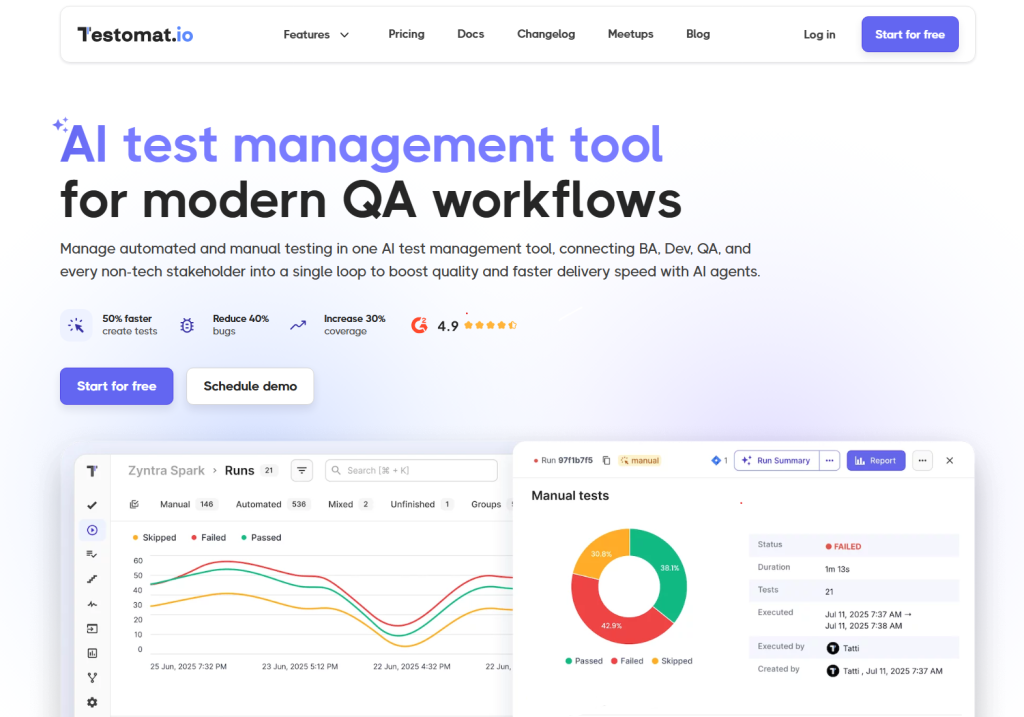
Testomat.io fits QA teams that manage large volumes of automated tests and want a test management platform built specifically around test automation workflows. Rated 4.8 across 94 G2 reviews, it is the highest-rated tool in this roundup. The Professional plan starts at $30 per user per month with a free tier for 2 users. AI test generation, AI agents, and AI analytics are available on Professional and above, with on-premise deployment available at the Enterprise tier.
Pricing: Free (2 users, 2 projects); $30/user/mo (Professional, monthly). For Enterprise, contact for pricing.
Key features:
- Test case management built for automated test suites and CI/CD-first workflows
- AI test generation, AI agents, and AI analytics (Professional tier and above)
- Advanced Playwright and Cypress reporting built in
- CI/CD integration with GitHub, GitLab, Azure DevOps, and Jira
- BDD support with Jira plugin for classical and behaviour-driven test cases
- On-premise self-hosted option on the Enterprise tier
Best for: Automation-heavy QA teams that need a test management platform built around Playwright, Cypress, and CI/CD pipelines.
Watch out for: AI features are gated behind the Professional plan. Teams focused primarily on manual testing will find less value here than in platforms designed for balanced manual and automated testing workflows.
10. BrowserStack Test Management
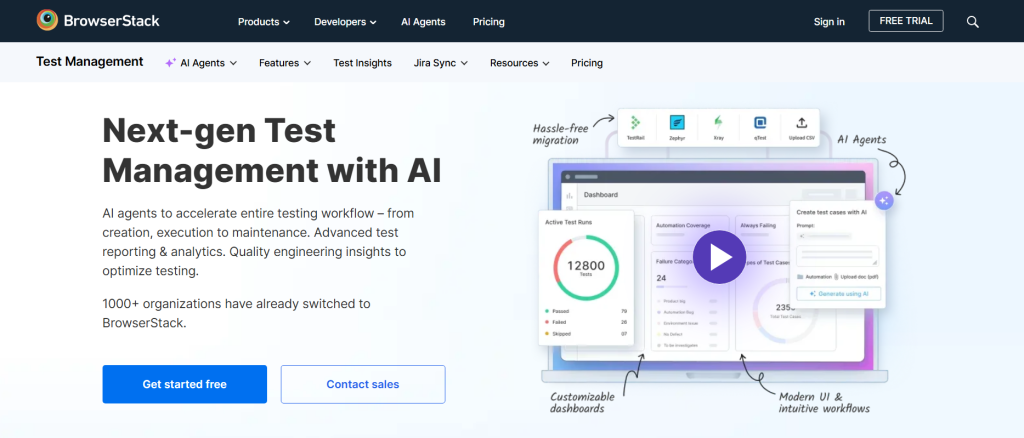
BrowserStack Test Management fits QA teams already embedded in the BrowserStack ecosystem. Teams can use Live, Automate, or App Automate easily, and it’s great for those who want test case management integrated directly with their existing cloud testing infrastructure. Rated 4.4 across 3,336 G2 reviews, it is the most widely reviewed tool in this roundup. Pricing is not publicly listed; contact BrowserStack for current rates.
Pricing: Contact BrowserStack for pricing. Free trial available.
Key features:
- Test case management integrated with BrowserStack’s cloud device and browser infrastructure
- AI-assisted test case generation available via the BrowserStack Testing Toolkit
- Integration with Jira, GitHub, Slack, and CI/CD pipelines
- Real-time test execution tracking across 3,500+ real devices and browsers
- Support for manual and automated testing across desktop and mobile
- Traceability between test cases, defects, and test runs
Best for: Teams already on BrowserStack that want test management without adding a separate platform to their software testing processes.
Watch out for: Pricing is not transparent. Teams must engage sales before evaluating cost fit. Outside the BrowserStack ecosystem, it offers limited differentiation versus standalone test management tools at published pricing.
11. QMetry
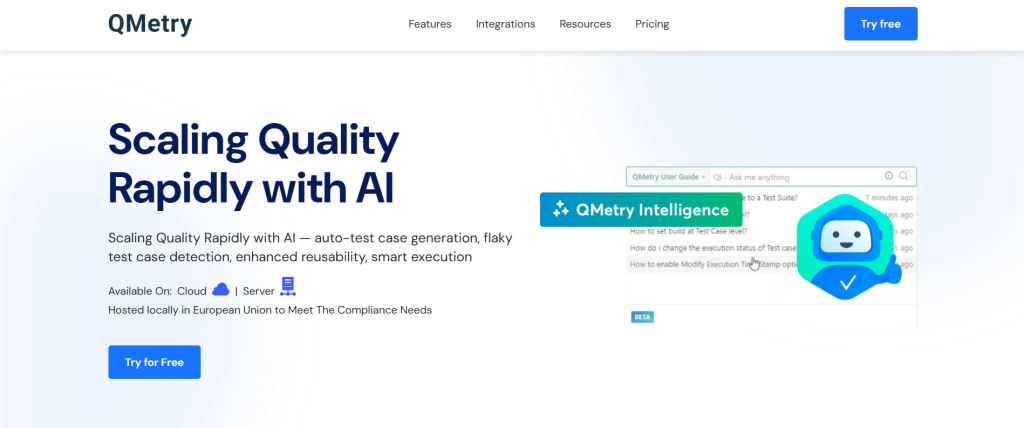
QMetry fits enterprise QA teams that need scalable test case management across large, distributed projects, from 10 to 10,000+ users. QMetry has built-in AI, 20+ off-the-shelf integrations, and an Open REST API. Rated 3.9 across 38 G2 reviews, it supports both cloud and on-premise deployment, making it suitable for regulated industries with data residency requirements. Pricing is not publicly listed, but a 15-day free trial is available with no credit card required.
Pricing: Contact QMetry for pricing. 15-day free trial, no credit card required.
Key features:
- Test case management at scale supports millions of test cases across multiple projects
- Built-in AI for test execution and testing process optimisation
- 20+ integrations, including Jira, Jenkins, Selenium, and Azure DevOps, plus Open REST API
- Real-time test execution tracking and testing progress reporting
- Bulk operations for managing test suites and test data across large projects
- Cloud and on-premise deployment
Best for: Enterprise QA teams managing large-scale software testing processes across distributed teams with compliance and data residency requirements.
Watch out for: Pricing is not transparent. Teams need to engage sales before evaluating cost. G2 rating of 3.9 across 38 reviews is the lowest in this roundup, which warrants a thorough trial evaluation before committing.
12. AIO Tests
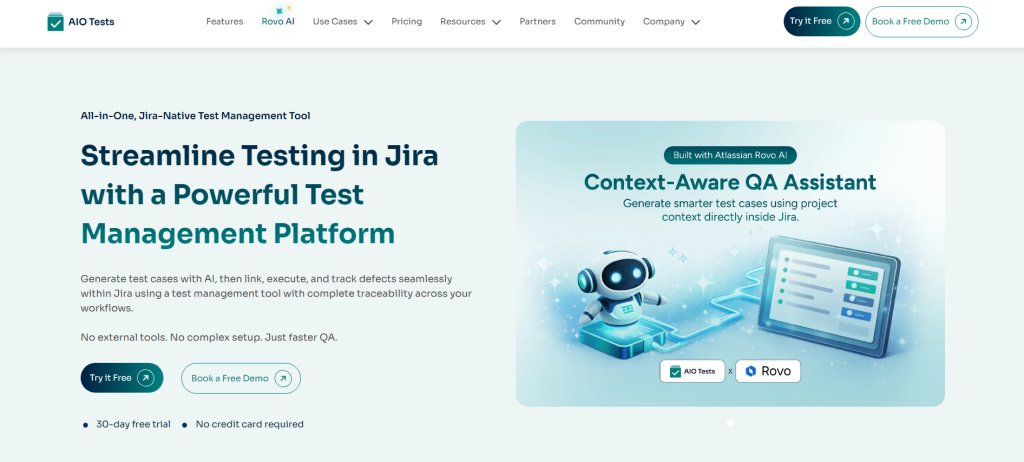
AIO Tests fits small Jira teams that want free test management for up to 10 users without leaving the Atlassian environment. For teams of 10–50 users, it costs $350 per year, well below most per-seat alternatives. It supports offline test execution by exporting test cycles to Excel, a practical feature for teams in restricted-access environments. AIO Tests keeps the entire testing process inside Jira with support for both manual and automated testing.
Pricing: Free for ≤10 users. $350/year for 10–50 users.
Key features:
- Jira-native test case management, tests managed as Jira issues
- Offline test execution via Excel export for restricted environments
- Support for manual and automated testing with CI/CD integration
- Traceability between test cases, requirements, and defects inside Jira
- Test coverage reporting and execution tracking within Jira dashboards
- Lightweight setup with minimal configuration required
Best for: Small Jira teams that need free or low-cost test management without adding a platform outside Atlassian.
Watch out for: Limited AI capability. Feature depth is lighter than enterprise-grade test management platforms. Teams with complex automation integration or compliance requirements should evaluate more capable alternatives.
13. QADeputy
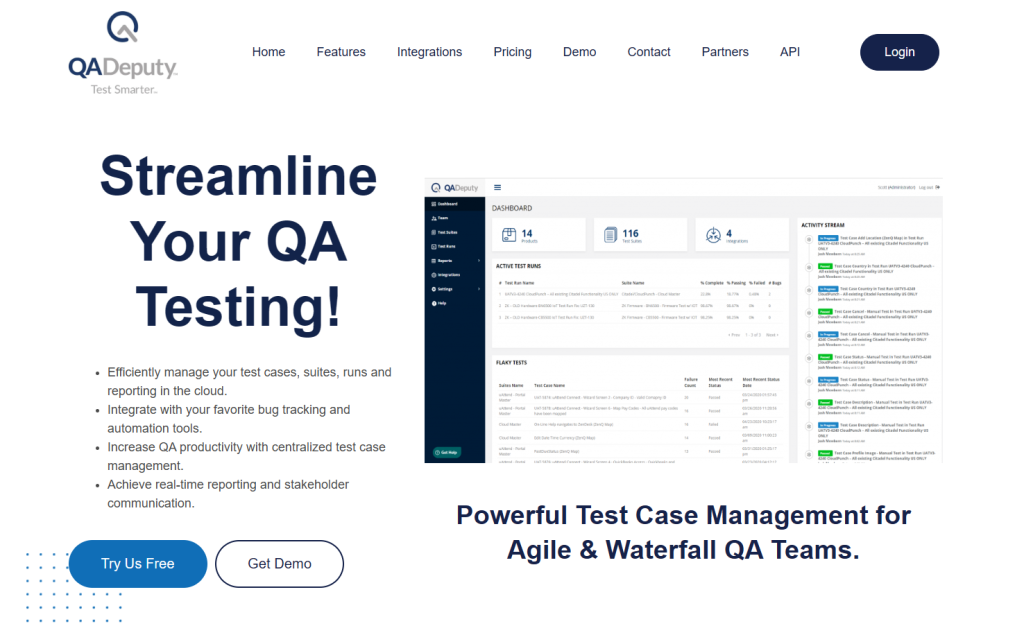
QADeputy fits mid-market QA teams that need a cloud-based test management platform with structured test case management, test execution tracking, and defect tracking at $20 per user per month. It is a practical option for teams that find enterprise tools over-engineered for their software testing processes but need more structure and traceability than spreadsheet-based workflows provide. A free trial is available before committing.
Pricing: $20/user/mo. Free trial available.
Key features:
- Test case management with structured test plans and test runs
- Defect tracking is linked directly to test execution results
- Real-time testing progress dashboards
- Support for manual and automated testing workflows
- Integration with CI/CD pipelines and issue trackers
- Cloud deployment
Best for: Mid-market QA teams that need structured test management without enterprise complexity or pricing.
Watch out for: No on-premise deployment option and no built-in AI for test case generation. The feature set is lighter than enterprise platforms. Teams with complex automation integration or compliance requirements should evaluate alternatives before committing.
How Test Management Tools Integrate with CI/CD Pipelines
Modern test management tools integrate directly into CI/CD pipelines, feeding automated test execution results back into the same dashboards QA teams use to track manual testing progress. This closes the loop between code commits and test coverage, without manual status updates.
Here is how the most common integrations work across the testing process:
| Integration | What it does |
| Jira | Two-way sync between test cases, test runs, and Jira issues. Defects logged during test execution create Jira tickets automatically. |
| GitHub | Trigger test runs on pull requests. Automated test execution results reported back to the PR before merge. |
| GitLab | CI pipeline integration. Test plans execute on GitLab CI triggers. Test data and results sync to the test management platform. |
| Jenkins | Post-build test execution. Jenkins pipelines trigger test runs and push pass/fail results into test management dashboards. |
| Azure DevOps | End-to-end traceability from Azure work items through test cases to defects. Test execution integrated into Azure Pipelines. |
| Selenium | Automated test results from Selenium test suites feed into test management reporting alongside manual testing outcomes. |
| Cypress | Cypress test run results sync to the test management platform, giving QA teams unified visibility across automated and manual testing. |
| Playwright | Advanced Playwright reporting. Test execution data, pass/fail status, and test coverage metrics pushed directly to the dashboard. |
Test management tools integrate with CI/CD pipelines at the trigger level. A code push initiates a test run. They are also integrated at the reporting level, where automated test execution results update testing progress in real time. Teams running continuous testing across multiple pipelines consolidate all results in one test management platform, eliminating the need to track testing activities across separate tools.
Test Management Trends in 2026
Five shifts are reshaping how QA teams select and use test management tools in 2026. These are the criteria separating tools that fit modern software testing processes from those built for a different era.
- AI-driven test case generation: The most significant shift in the category. Tools with built-in AI can generate test cases directly from requirements, user stories, or existing test suites, cutting manual authoring time. AI-powered test case management is now a first-tier selection criterion, not an optional add-on. Kualitee, Testomat.io, and PractiTest all offer native AI at different price points.
- Built-in defect tracking: QA teams are consolidating. Platforms that combine test case management with defect management in a single workspace reduce context-switching and keep traceability intact between test execution and defect resolution, without bolt-on integrations.
- Shift-left and continuous testing: Software tests are moving earlier into the development cycle. Test management tools that integrate directly into CI/CD pipelines support continuous testing from the first commit, not just pre-release. Teams running shift-left need automation integration that triggers test runs on every code change.
- Low-code test authoring: QA teams with mixed technical backgrounds need test management platforms that support non-engineers in creating and managing test cases without scripting. Low-code authoring lowers the barrier to test coverage across the full team.
- Real-time collaboration: Distributed QA teams need shared test plans, live testing progress dashboards, and synchronised defect tracking across time zones. Real-time collaboration features are now table stakes for any comprehensive test management tool serving teams of 10 or more.
Ready to Find the Right Test Management Tool?
The 13 tools in this roundup cover every team size and budget, from free tiers for small QA teams to enterprise ALM platforms for distributed programs. If you need AI-assisted test case management, full traceability, and CI/CD integration at $12 per user per month, Kualitee’s free Growth plan lets you evaluate the full testing process without a credit card.
Already shortlisting? See how Kualitee stacks up feature by feature, pricing tier by pricing tier, against the tools on your list.